
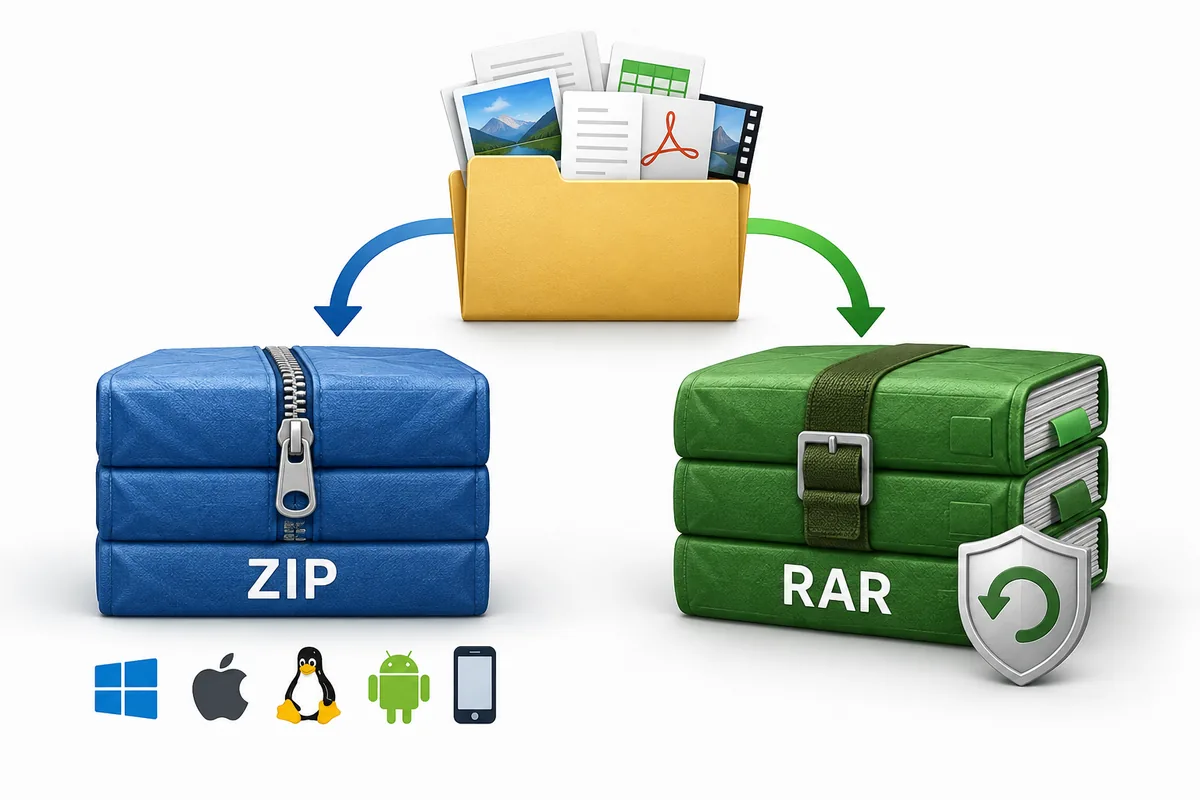
Quick answer: Choose ZIP when the recipient may not have an archive app installed or when a workflow expects a .zip file. Choose RAR when you specifically need RAR recovery records, mature multipart handling or a RAR archive supplied by another person. Neither format is always smaller or safer; the files, settings and software used matter.
RAR vs ZIP at a glance
The most useful difference is not a universal compression winner. It is the amount of friction the archive creates for the next person. ZIP is built into many operating systems and file managers, so it is a dependable default for attachments, project handoffs and public downloads. RAR is a capable archive format with features such as recovery records and solid compression, but the recipient may need an archive utility to open it and a licensed tool is normally needed to create it.
Use the table as a starting point, then check the actual requirements of your files and recipient. A folder of photographs, a software release and a damaged download can each lead to a different choice. This RAR vs ZIP guide keeps decisions practical.
| Decision point | ZIP | RAR |
|---|---|---|
| Opening files | Very broad built-in support | Usually needs an archive utility |
| Creating archives | Available in many free tools and operating systems | Normally created with WinRAR or compatible licensed software |
| Compression | Good general-purpose results | Can be competitive, especially with solid archives; results depend on data |
| Recovery | No native recovery record | Can include recovery data for some corruption cases |
| Multipart archives | Supported by tools, but less familiar to casual recipients | A mature use case with names such as .part1.rar |
| Best default | Sharing and broad compatibility | A specific RAR workflow or required feature |
What ZIP and RAR actually are
An archive is a container that can store many files and folders in one package. Compression tries to represent repeated patterns with fewer bytes, while the archive format also records names, paths, timestamps and other metadata. Changing the container does not improve the original photograph, document or video. It changes how those files are stored and delivered.
ZIP is a widely implemented format rather than one single compression setting. A ZIP made with a modern tool may use a different method or encryption option than an older ZIP, yet the extension remains the same. RAR is also a format family with version differences, including RAR4 and RAR5. The program that creates an archive and the program that opens it both influence what works in practice.
Compatibility: why ZIP is usually easier to share
ZIP wins the compatibility test for most ordinary sharing. Windows, macOS, Linux file managers and many mobile file apps can open a basic ZIP without asking the recipient to install the same brand of software you used. Browsers, office systems and upload forms also commonly document ZIP as an accepted package type.
RAR support is widespread but less uniform. A desktop archive utility can usually open a normal RAR4 or RAR5 file, while a locked-down work computer, school device or phone may not have that capability. Some web services accept RAR uploads but process them through a server, which can be unsuitable for private files or large archives. The RAR vs ZIP choice should follow the recipient's device.
- Choose ZIP for public downloads, email attachments, classroom handoffs and mixed-device teams.
- Choose RAR when a project already uses RAR tooling or the archive's recovery and volume features are important.
Compression and speed: there is no fixed winner
Compression ratio depends more on the data and settings than on the extension alone. Plain text, source code and uncompressed bitmap images often shrink substantially. JPEG photos, MP4 video, already-compressed PDFs and encrypted data usually have less room to shrink. Two archives containing the same folder can therefore finish at different sizes even when the formats are changed.
RAR can be competitive on mixed folders and may offer solid compression, where related files are compressed as a group. ZIP can be faster to create or extract with a basic setting and is often the better choice when compatibility matters more than the last few megabytes. The fastest method is also affected by CPU speed, storage, memory, archive level and whether antivirus software scans every extracted file.
| Input | Likely result | Practical advice |
|---|---|---|
| Text, CSV or source code | Often compresses well | Compare levels only when the saved space matters |
| Photos, video or audio | May change very little | Prioritize compatibility and transfer reliability |
| Many related files | Solid compression may help | Benchmark the real folder instead of guessing |
| Encrypted or already compressed data | Usually limited savings | Do not recompress repeatedly |
Recovery records, encryption and multipart archives
RAR is often selected for capabilities that are not part of a basic ZIP workflow. A recovery record adds redundancy that may help repair some partial corruption when the archive is damaged. It is not a backup and it cannot restore every missing byte, but it can be valuable for long transfers or media that may develop small errors.
Multipart archives split one logical archive across several files. Names such as .part1.rar and .part2.rar are a warning that selecting only one part is not enough. Keep every volume together, preserve the original names and start extraction from the first part in a utility that supports that archive. A browser converter designed for one complete file should report this case rather than create an incomplete ZIP.
- Recovery data can improve repair options but does not replace a second copy.
- Multipart archives require every volume; do not rename parts or upload only the first file.
- Password protection is a workflow requirement, not a promise that any converter can bypass.
- Scan unfamiliar archives with trusted security software before opening extracted files.
Which format should you use?
Start with the recipient and the next action. If the archive will be downloaded by the public, attached to an email, submitted to an upload form or opened on an unknown device, ZIP is the safer default for compatibility. If a team already has a RAR process, needs recovery records or is distributing a set of volumes, RAR can be reasonable when the instructions and companion files are clear. This RAR vs ZIP rule works for most everyday handoffs.
When the goal is the smallest possible package for your own storage, benchmark RAR, ZIP and 7z on a copy of the actual data. A benchmark is more trustworthy than a format slogan. For a one-off handoff, the time saved by avoiding an installation or support request can outweigh a modest size difference.
A simple decision rule
Use ZIP for the broadest compatibility. Use RAR for a known requirement or recovery feature. Use a local converter when you need to hand an existing RAR to someone who expects ZIP and the archive is a complete, supported single volume.
Converting RAR to ZIP without losing the handoff
A safe conversion is a two-stage check. First, confirm that the source is complete: the extension looks right, the download finished, and no companion volume or password is missing. Next, inspect the archive's file names and folders before starting a full extraction. This catches a truncated download or an unexpected directory before a ZIP is generated.
- Keep the original RAR until the ZIP has been opened and checked.
- Reject .part1.rar, .r00 and other companion files when a workflow supports only one volume.
- Use a trusted desktop utility for encrypted, damaged, multipart or unusually large archives.
- For a local browser workflow, read the tool's stated size and format limits before selecting a private file.
Common problems and practical fixes
If an archive will not open, start with the simplest explanation. A missing multipart volume, a download that stopped early, a mistyped password or a utility that does not support the archive version is more likely than a mysterious format failure. Compare the file size with the sender's copy, download every part again and try a current archive utility. A careful RAR vs ZIP comparison can reveal whether the format is really the problem.
If a conversion page reports an unsupported or encrypted archive, do not keep retrying the same input and expect a different result. Use software that explicitly supports the case, or ask the sender for a standard ZIP or a complete unencrypted archive. If the output opens but files are missing, stop using it, return to the source and verify the entry list before creating a new package.
Format references
These first-party resources provide format background; test the exact archive and software combination you plan to use.
- RARLAB technical information — RAR format and recovery information from the RAR publisher.
- 7-Zip format notes — Background on 7z compression and the open-source 7-Zip project.
RAR vs ZIP questions
Is RAR better than ZIP?
Neither is always better. ZIP is usually better for compatibility and simple sharing. RAR is useful when you need recovery records, multipart archives or an existing workflow that already uses RAR. Compare the real data and recipient requirements instead of relying on a universal compression claim.
Which format is smaller, RAR or ZIP?
It depends on the files and compression settings. Text and source code may shrink well, while video, JPEG images and encrypted data often do not. Benchmark a representative folder if size matters; converting an archive does not guarantee a smaller result.
Can Windows or macOS open a RAR file?
Many current desktop archive utilities can open RAR, but built-in support is less consistent than ZIP support. On a managed computer or phone, you may need an approved archive app. If you do not know the recipient's software, ZIP is the safer sharing choice.
Does converting RAR to ZIP change the files inside?
A normal conversion extracts the archive entries and packages the same regular files in a new container. It should not edit the documents, but you should compare the file list and open sample files after conversion. Keep the source RAR until the new ZIP is verified.